
August
August 2026
➡️ Customize Your Platform With White-Label Branding
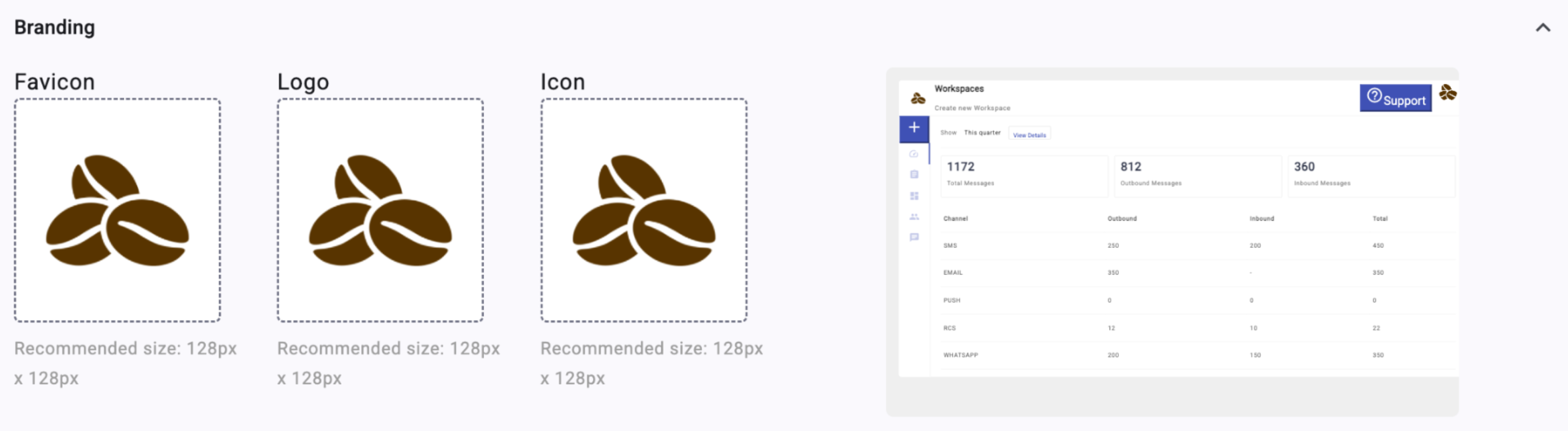
Environments now support full branding customization — welcome image, logo, icon, and favicon — for a consistent identity across the Administration Console, Communications Platform, and Live Chat. Individual Workspaces can also apply their own branding, giving each team the flexibility to stay on-brand.
 Environment Documentation here!
Workspace Documentation here!
Environment Documentation here!
Workspace Documentation here!
➡️ Use Your Own Branded Live Chat Domain
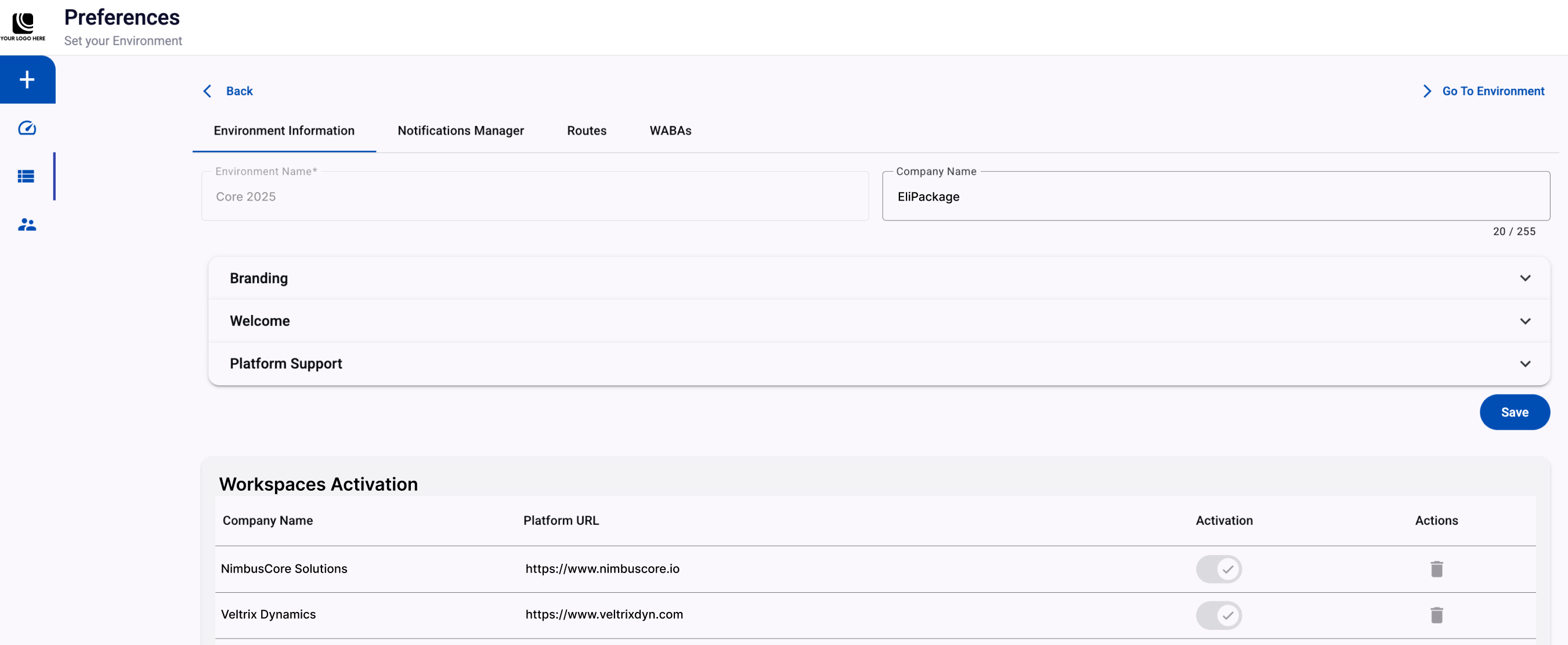
Configure a custom Live Chat URL at the Environment or Workspace level to replace the standard domain. Users are automatically redirected to your organization's branded URL, reinforcing consistency at every customer touchpoint.
 Environment Documentation here!
Workspace Documentation here!
Environment Documentation here!
Workspace Documentation here!
➡️ Multi-Factor Authentication (MFA) for Live Chat
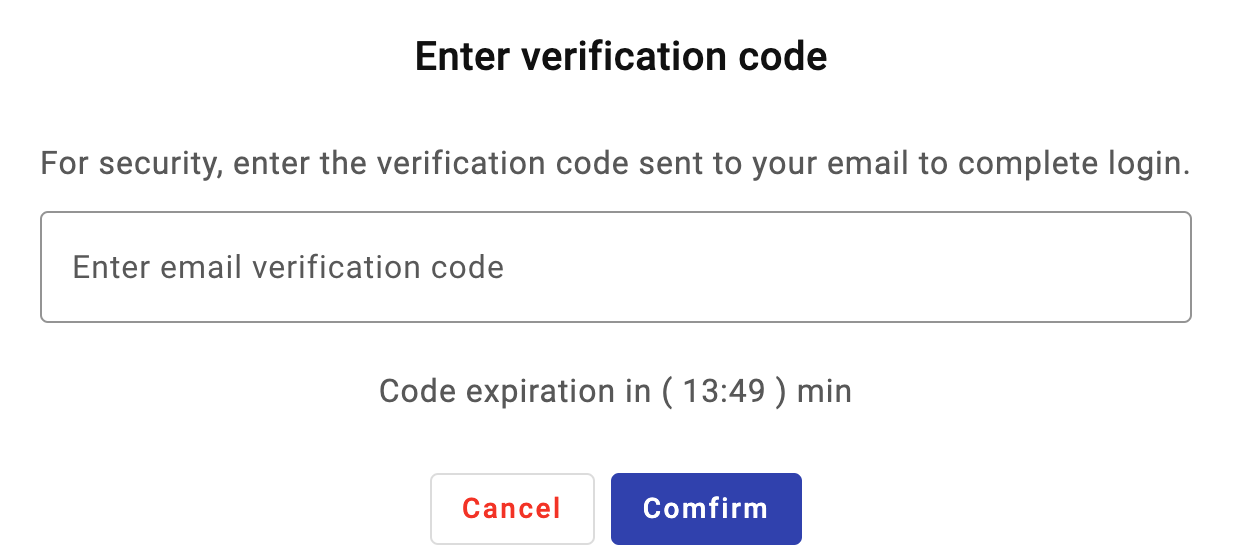
Multi-Factor Authentication is now available for Live Chat at the Workspace level. Users verify their identity with a one-time code sent by email before accessing the Communications Platform, giving admins tighter control over access.
 Full Documentation here!
➡️ Create WhatsApp Carousel Message Templates
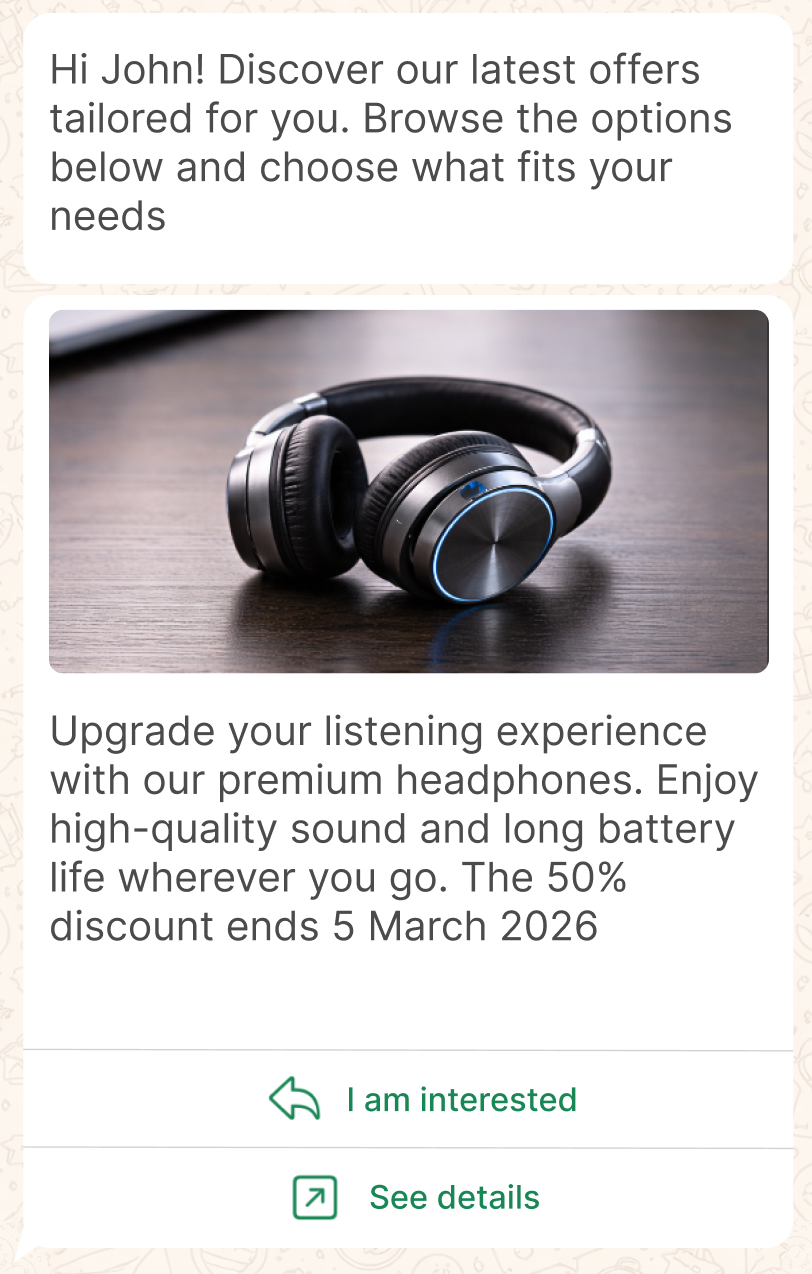
Build WhatsApp Carousel Message Templates directly in the Communications Platform. Showcase 2 to 10 scrollable cards per message, each with an image or video, text, and up to two interactive buttons — a more visual way to present offers.
 Full Documentation here!