
User guide
Access the platform user documentation from the navigation bar.
Access Communications Platform documentation from the navigation bar.
-
Click your avatar in the top-right corner of the navigation bar.
-
Select User Guide.
The documentation landing page displays the User Guide and Developer Guide options.
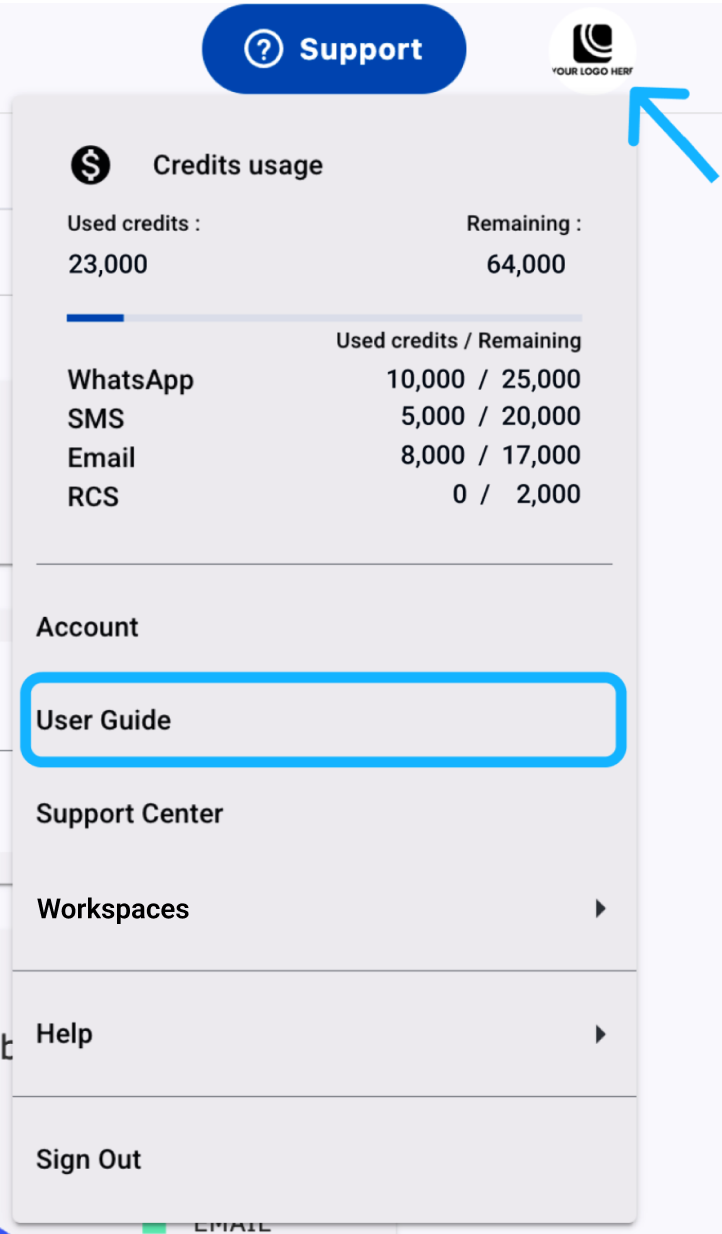
- Select User Guide to open the user documentation.
Updated 24 days ago