
Logging out of the platform
Learn how to log out of the platform and return to the login page.
Log out of Communications Platform and return to the login page.
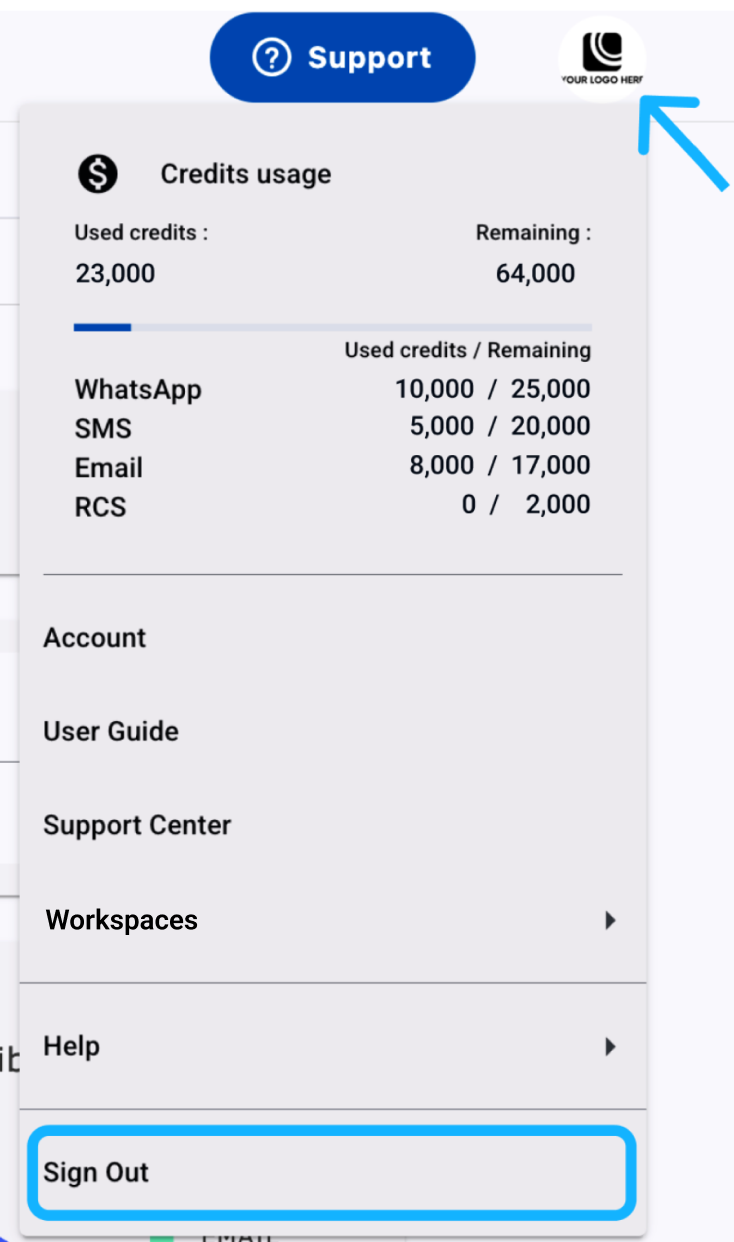
- Open your avatar menu in the top-right corner of the navigation bar.
- Select Sign Out.
The platform redirects you to the login page.
Updated 22 days ago