
Basic Information
Review the Basic Information configuration sections and apply updates from the Create Workspace page.
- Review the settings in Workspace Manager, Platform Configuration, Welcome Screen, Branding, Platform Feature Activation, Platform Support, and Google API.
- Select Edit in the section you want to update.
- Make your changes and apply them.
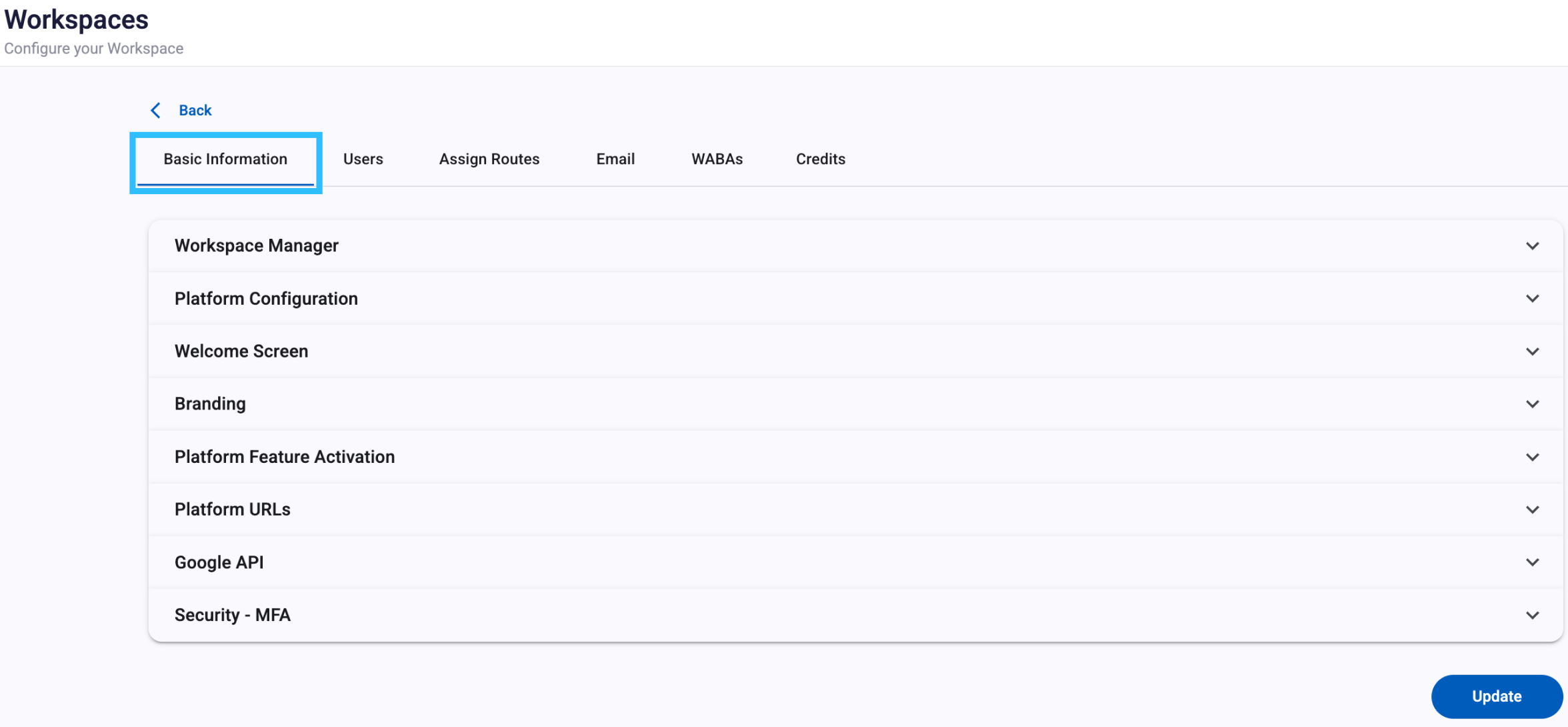
To review each section, go to the Create Workspace configuration page.
Updated 5 days ago