
Environment Configuration
Activate Workspaces and assign routes and WhatsApp Business Accounts to connect them with the messaging resources they need. For internal teams configuring an Environment's core settings.
You configure an Environment by activating Workspaces, assigning routes, and assigning WhatsApp Business Accounts (WABAs). You use these settings to connect Workspaces with the messaging resources they need. You also review the Environment tabs that contain the core configuration options.
To open the configuration page:
- Go to the Environments List section.
- Select Environment Config for the Environment you want to configure.
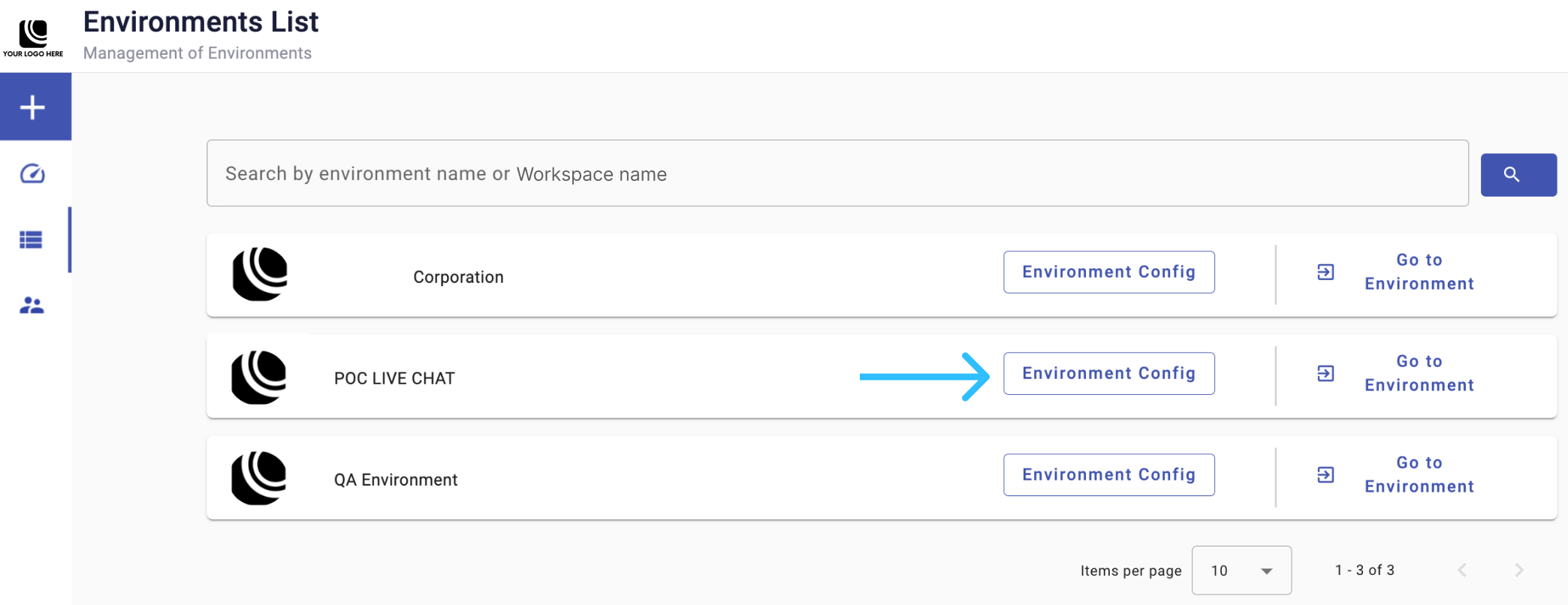
You open the core configuration page for the selected Environment.
You review the configuration tabs at the top of the page:
Updated 1 day ago