
Navigate Between Workspaces
Learn how to switch between Workspaces from the avatar menu.
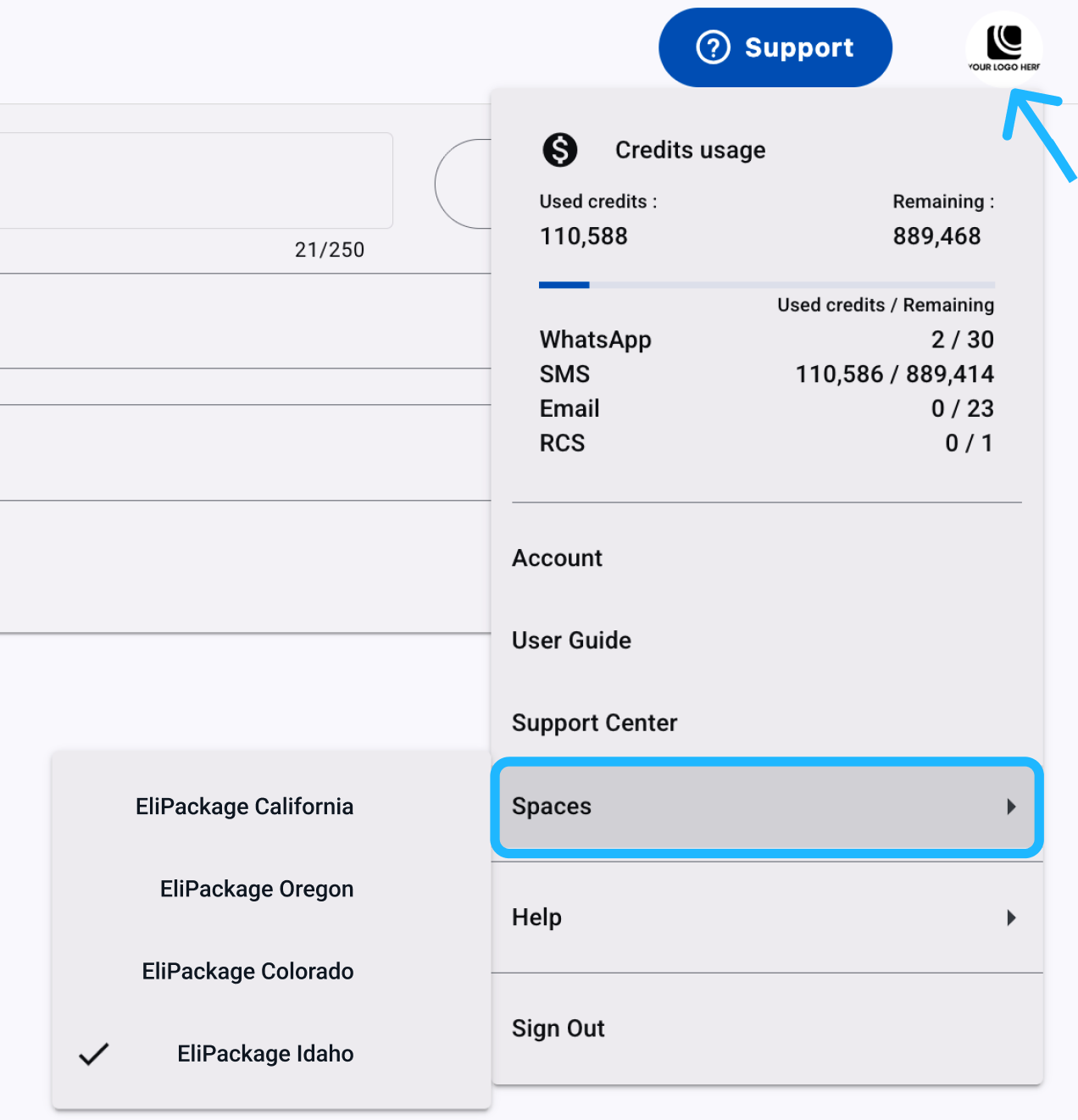
Move between Workspaces from the avatar menu when your account has access to more than one Workspace.
- Select the avatar icon in the top-right corner.
- Select Workspace from the dropdown menu.
- Choose the Workspace you want to open from the list of Workspaces available to your account.
Updated 7 days ago